
The piggy bank,
all grown up.
Chores, allowance, and goals — in one happy little app.
For iPhone.
A tracker, not a bank — parents hand over the real money.
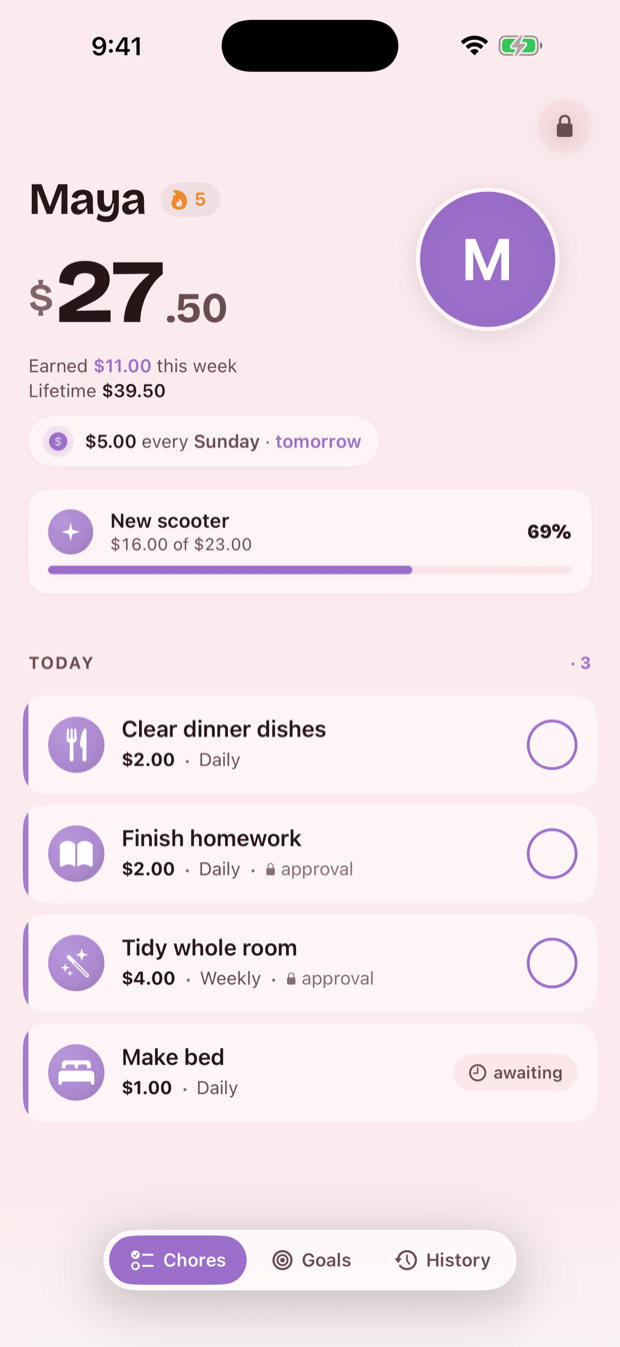
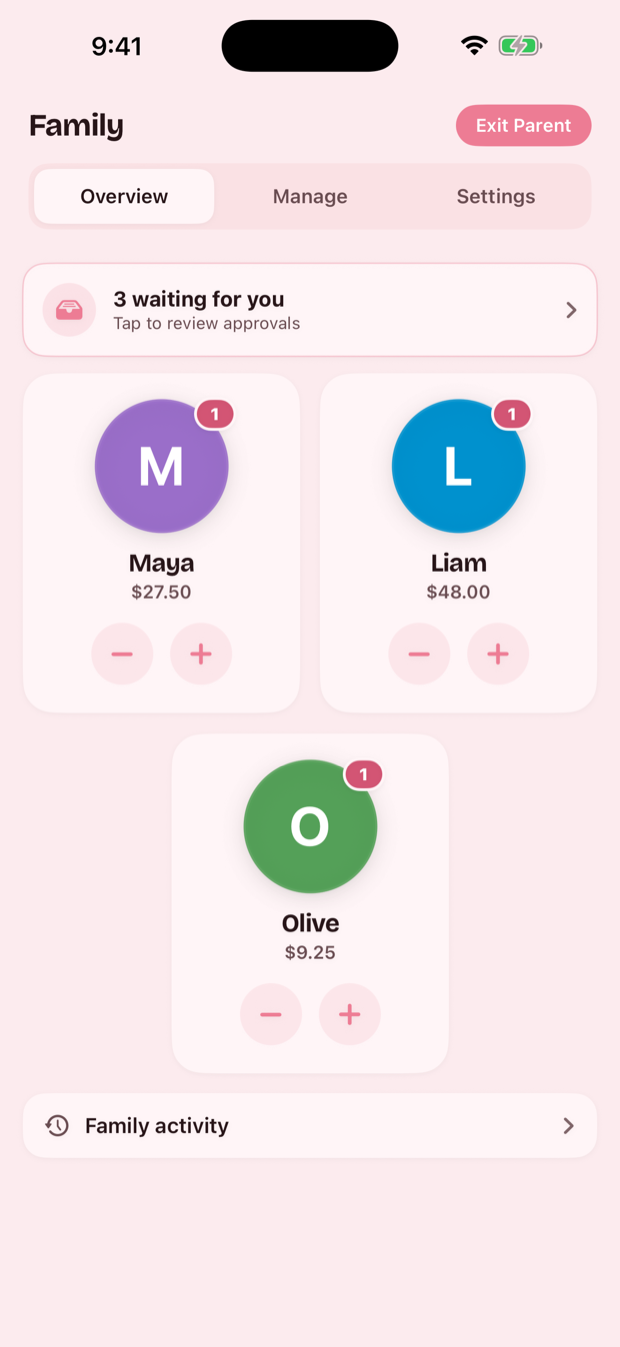
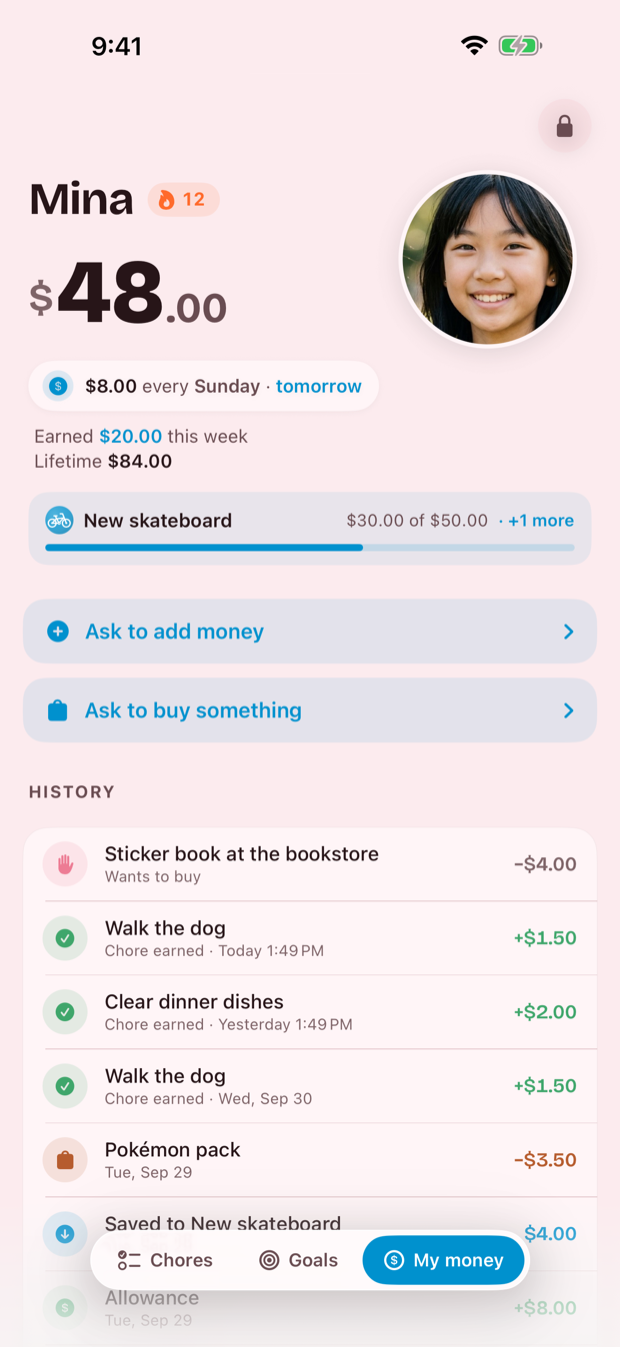
Screenshots show sample data. Rather than put real children's faces on the internet, we generated the ones you see here. There's no AI inside Pig Pal.
Money that means something
The chore chart on the fridge and the jar on the shelf — kept honest by a ledger that can't be fudged, and a parent who approves every penny.
- Chores that payKids check things off the list and earn real dollars. You approve, the money lands.
- Weekly allowance, automaticPick an amount and a day. Pig Pal drops it in their balance without you lifting a finger.
- Goals worth saving forSet a target — a new toy, a game, a bike. Put money aside, or let allowance save itself, and watch the bar fill.
- Rewards that aren't moneyA day out for a month of chores. Pooled between them, or each on their own.
- Both parents, in stepPrivate iCloud sync. Approve on your phone and it's already done on theirs.
- A device each, or one to shareHand a kid a phone and it opens to their screen and nowhere else. A shared phone asks who's here.
Money set aside, and a bar that fills
A kid picks something worth saving for and puts money toward it — or lets part of their allowance save itself every week. Saved money stays apart from money to spend, so the skateboard fund doesn't quietly turn into sweets.
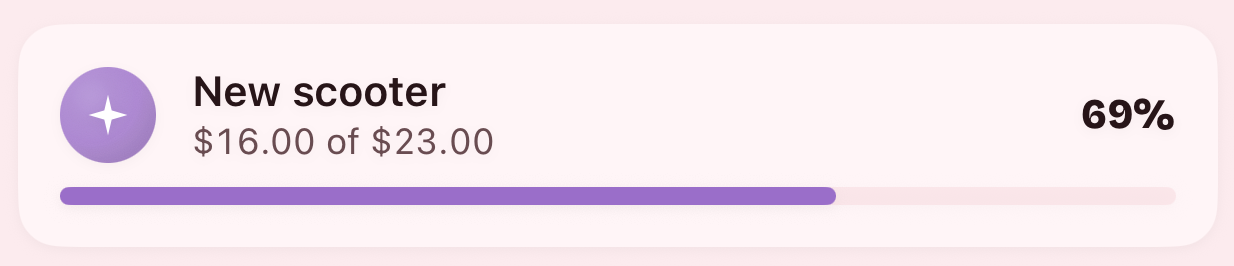
Today's list, with a price on it
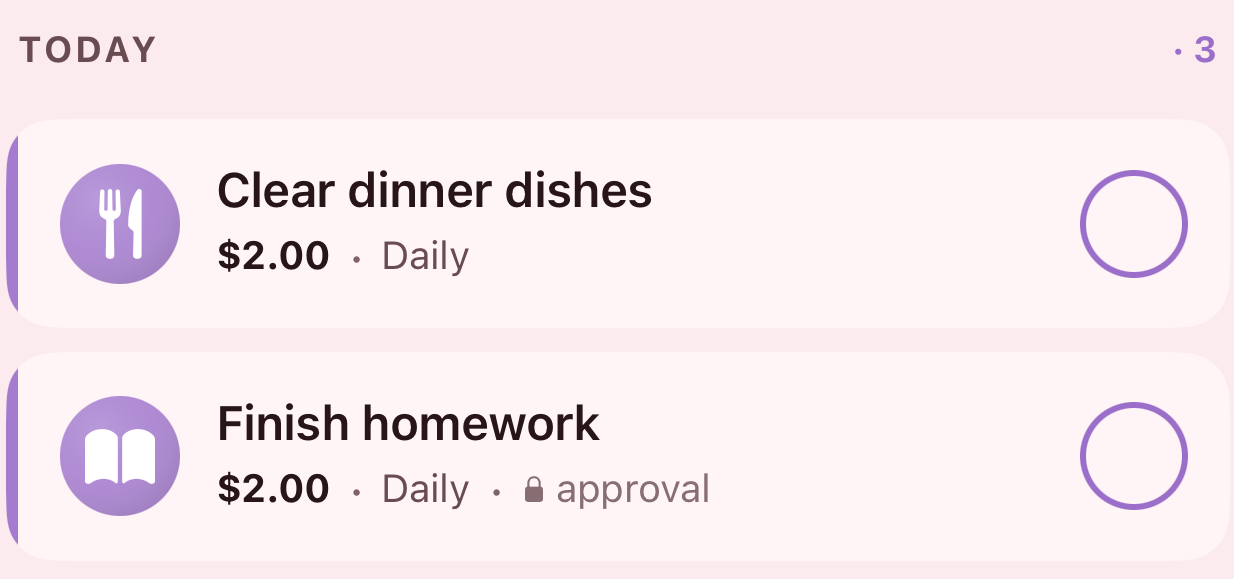
Every chore carries what it pays and how often it comes round. Tick one off and it's done — unless it's marked approval, which holds it until a parent looks.
Nothing moves until you say so
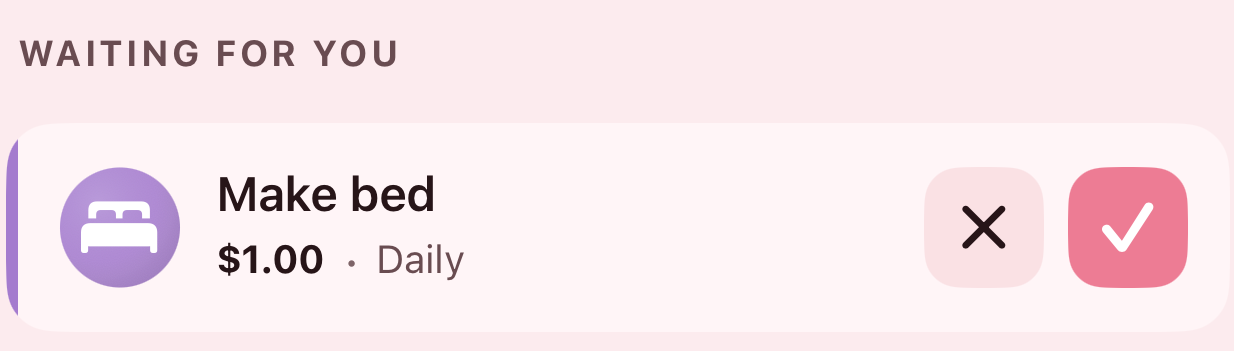
Ticked chores — and anything a kid wants to spend on — wait for a parent. One tap says yes and the money moves; the other sends it back. Allowance is the one exception: pick an amount and a day and it arrives on its own.
Not everything has a price
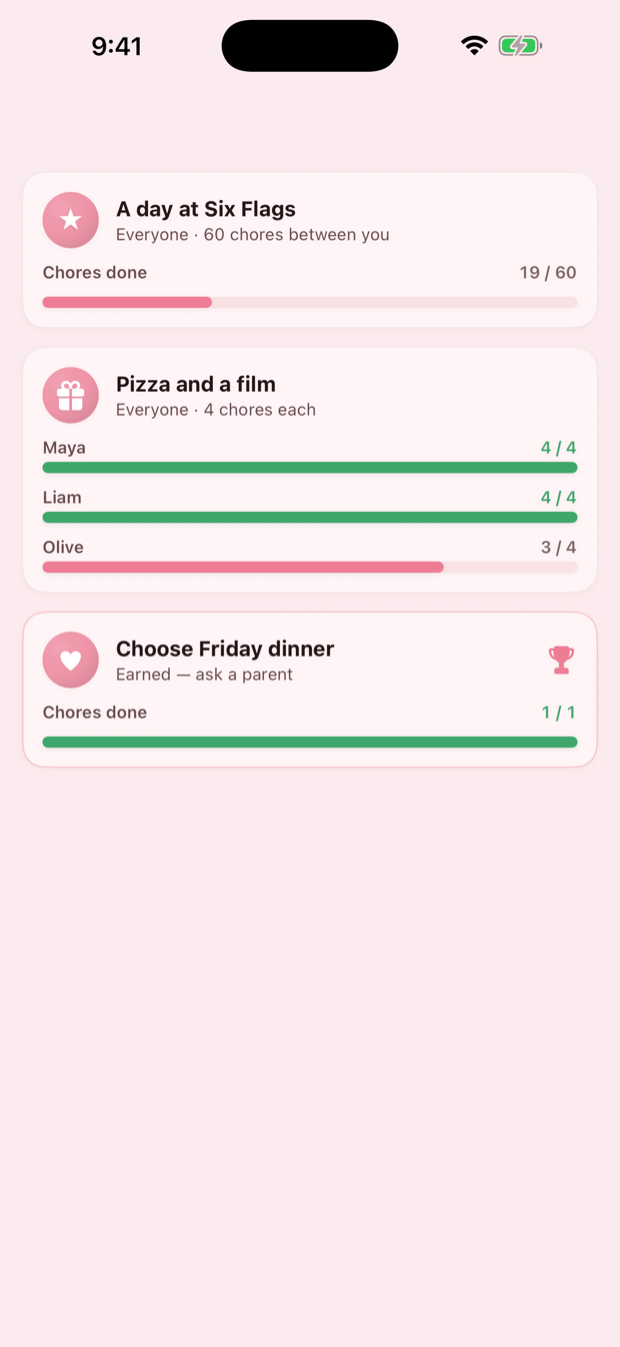
Some things shouldn't come out of pocket money. Set a reward and the number of chores that unlocks it — a day out, a film night, picking what's for dinner on Friday.
Pool it, and sixty chores between them gets the whole lot to Six Flags. Or set it each, and every kid works their own four.
Not a bank
Approve a chore and nothing happens in the world. A number in the app goes up.
What it never does
- Hold your money
- Move your money
- Connect to a bank account
- Issue a card
What it does instead
- Keeps the tally you both agreed
- Shows what's owed, and for what
- Remembers the deal from three weeks ago
- Settles up however you already do — cash, a transfer, a trip to the shop
The real money is handed over by the parent. A balance here is a shared record of what a grown-up has decided they owe.
Privacy, honestly
Pig Pal collects nothing. Not a little. Nothing.
- No account
- No server
- No analytics
- No advertising
- No third-party SDKs
Your family's data stays on your devices. Turn on sync and it goes to your iCloud, where we can't reach it — not to us. Read the full policy; it's one short page.